

 English
 русский
 Español
Content
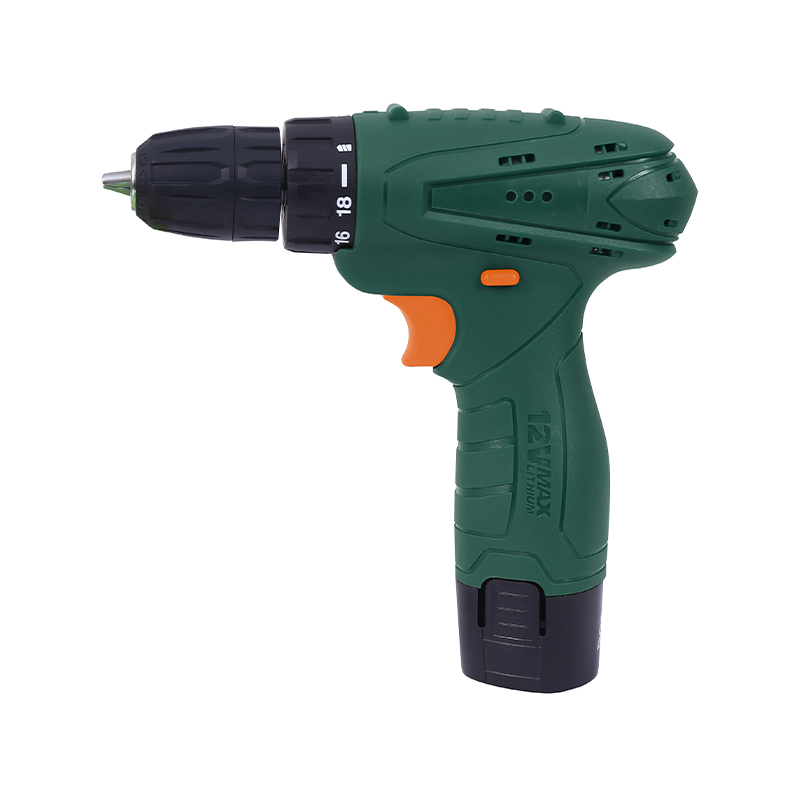
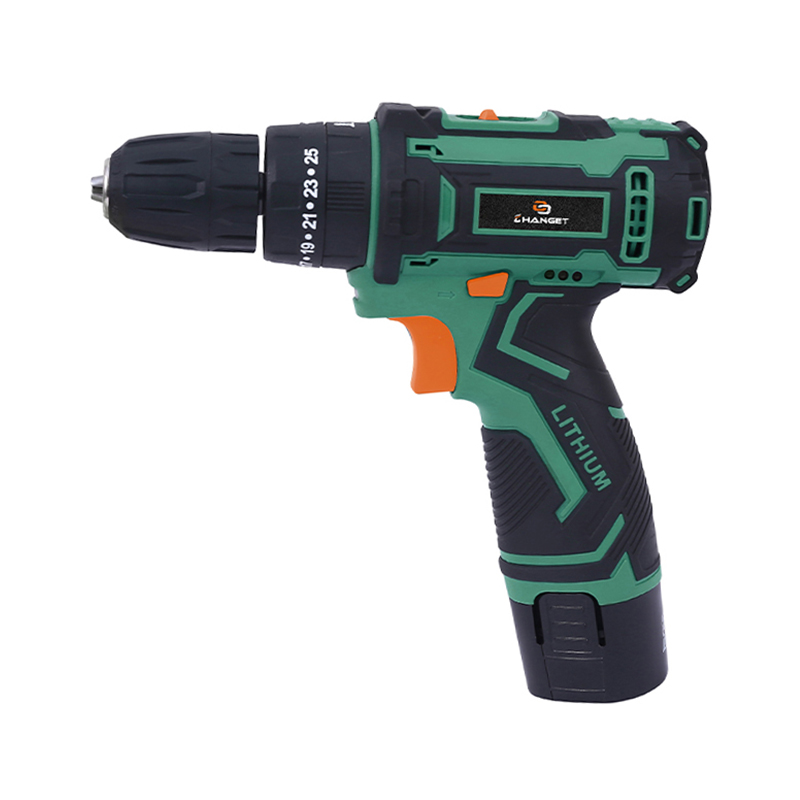
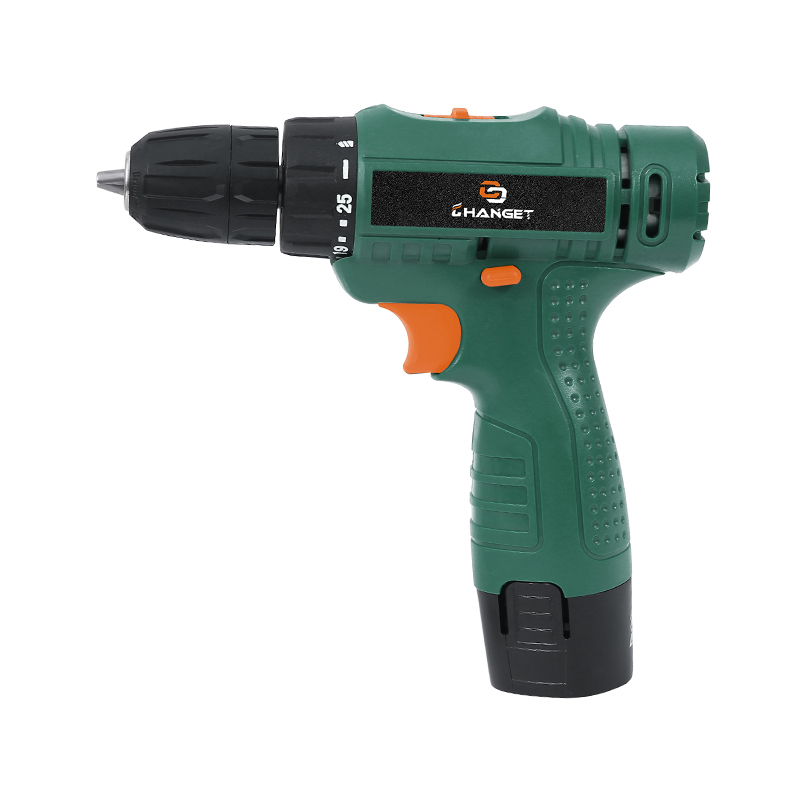
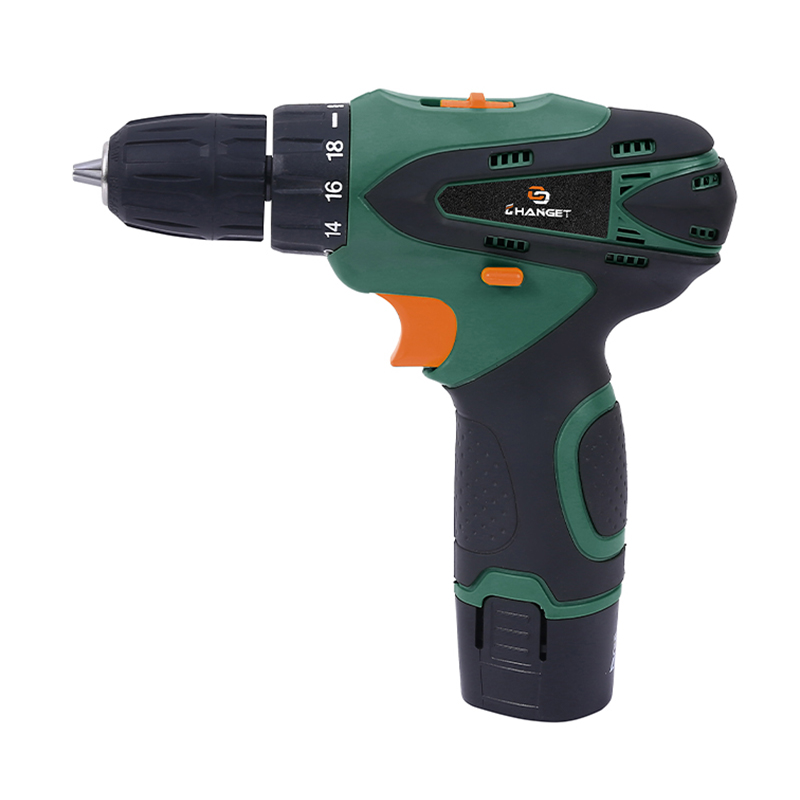
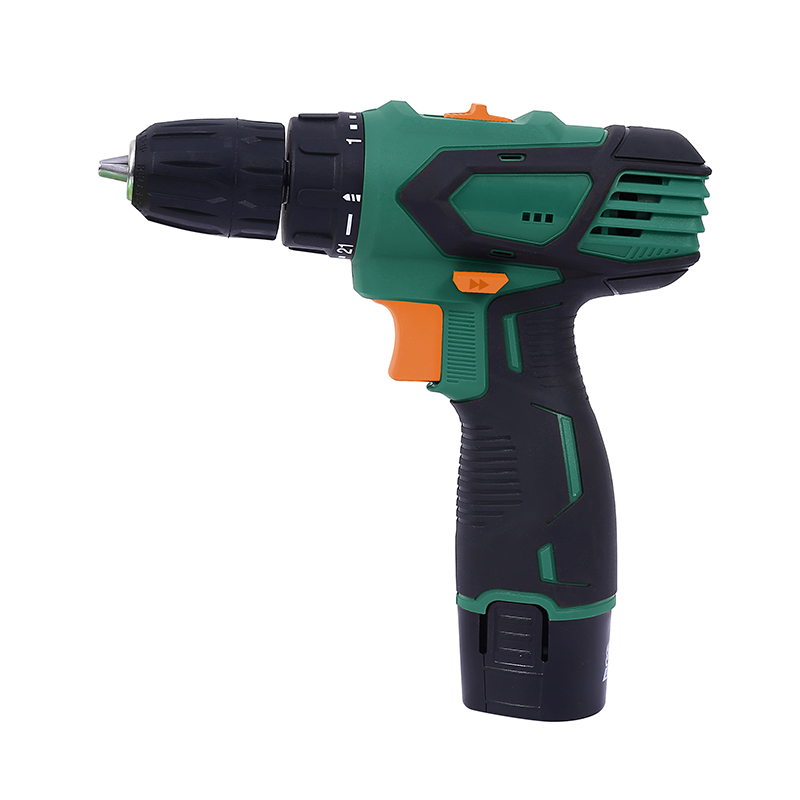
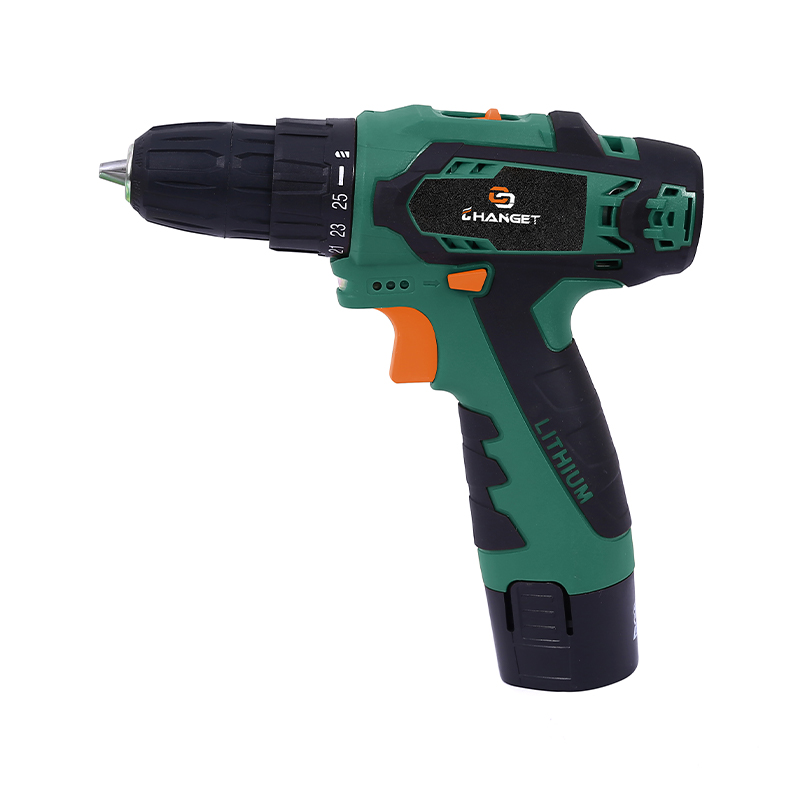
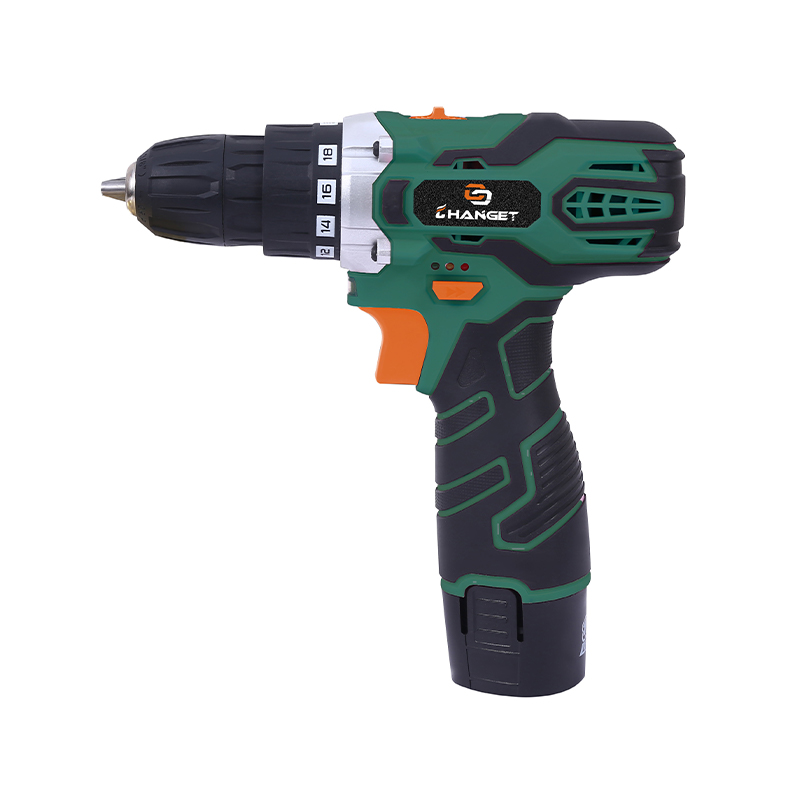
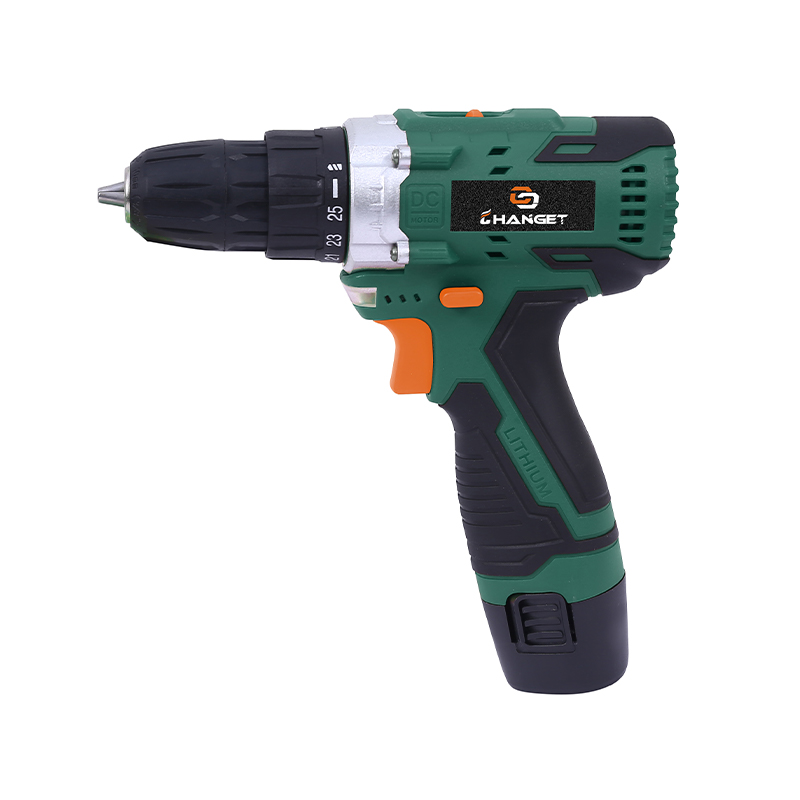
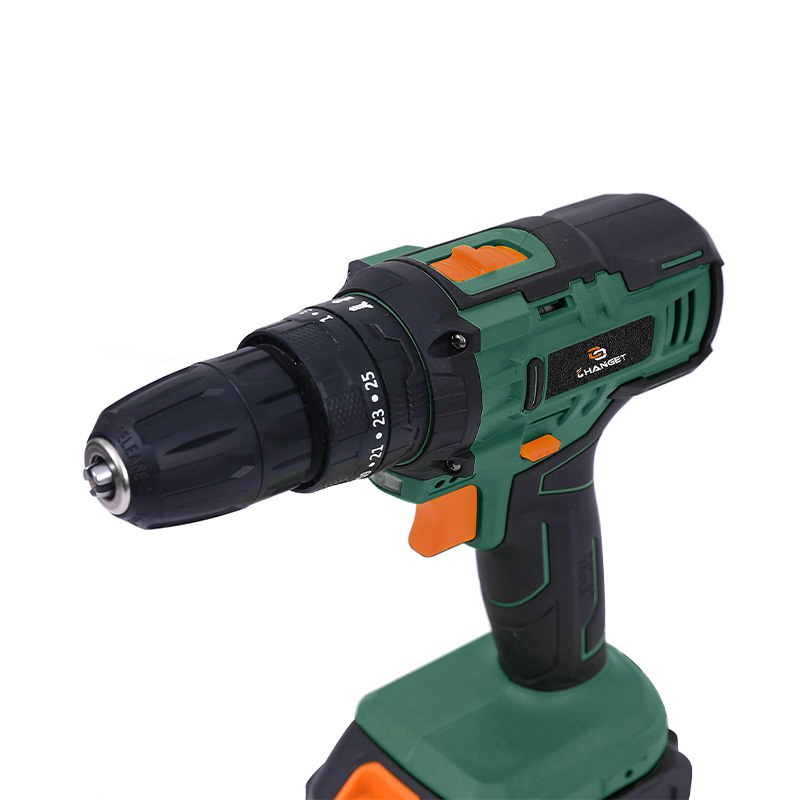
A cordless drill can handle a surprising range of jobs, but different materials and fasteners demand different types of mechanical action. A Cordless Multifunctional Impact Drill Kit takes this idea further by combining several operating modes in a single platform.
The benefit is not simply having more buttons or settings. Each mode changes how the motor, gearbox, clutch, chuck, or impact mechanism transfers force to the accessory. Understanding these differences helps users decide which mode fits a particular task rather than relying on impact power for every application.
Four Modes Can Mean Four Different Jobs
A multifunctional drill may combine standard drilling, screw driving, hammer drilling, and impact driving. Makita's XPT02Z, for example, combines four functions and provides separate controls for driver-drill, hammer driver-drill, screwdriver, and impact driver operation. Its impact mode reaches up to 1,330 in-lbs of maximum torque, while driver-drill and hammer driver-drill modes provide up to 2,700 RPM.
| Mode | Typical Job | Main Characteristic |
| Drill | Wood, metal, plastic | Continuous rotary motion |
| Screwdriver | Small and medium fasteners | Controlled torque with clutch |
| Hammer Drill | Brick and light masonry | Rotary motion plus axial hammering |
| Impact Driver | Long screws and heavy fastening | Rotational impact pulses |
Standard Drill Mode Still Has a Place
Impact action is useful for high-resistance fastening, but smooth rotation remains valuable for creating clean holes. Drill mode allows the bit to rotate continuously without the additional impact action.
- Wood drilling: Spade, twist, and auger bits can be used according to the chuck and accessory specifications.
- Metal drilling: Controlled RPM can help match the cutting requirements of the bit and material.
- Plastic work: Lower speeds can provide better control and help reduce excessive heat.
- Pilot holes: Smooth rotation is useful before installing larger screws.
This is also why users should not assume that impact mode is suitable for every drilling task. Community discussions around multifunction drills frequently distinguish between hammer drilling and rotational impact: the former applies force along the bit axis, while an impact driver produces rotational impacts.
Clutch Mode Changes the Way Screws Are Driven
Screwdriving requires a different level of control from drilling. A clutch can limit the amount of torque transferred to the fastener, which is useful for smaller screws, softer materials, and applications where excessive force could damage the workpiece.
A current multifunction drill design can provide numerous clutch positions. Metabo HPT, for example, specifies 22 torque settings on one of its hammer drill models, together with separate drill and hammer-drill modes.
- Low clutch setting: Useful for smaller screws and delicate materials.
- Medium setting: Suitable for general fastening work.
- Drill setting: Removes the normal clutch limitation for drilling applications.
Why Impact Mode Is Different
Impact driving uses a different mechanism. Rather than relying on a conventional clutch to limit continuous torque, the mechanism delivers short rotational impacts as resistance increases. This can help drive larger screws without transmitting the same continuous reaction force through the operator's wrist.
That distinction makes impact mode particularly useful for applications such as structural screws, long wood screws, and other fasteners that require stronger rotational force.
Hammer Mode Is Not the Same as Impact Mode
The names can cause confusion. Hammer-drill action is designed to help the bit penetrate masonry by combining rotation with rapid axial movement. Impact-driver action instead generates rotational impacts to increase fastening force.
| Application | Recommended Mode | Reason |
| Drilling timber | Drill | Smooth rotation |
| Installing cabinet screws | Screwdriver | Clutch control |
| Drilling brick | Hammer drill | Axial hammer action |
| Driving long construction screws | Impact | Rotational impact force |
| Small precision fastening | Screwdriver | Lower torque control |
Speed Selection Adds Another Layer
Multiple modes become more useful alongside variable-speed control. A two-speed gearbox may provide a lower range for higher torque applications and a higher range for faster drilling. Some advanced systems also use electronic controls to change the tool's response according to the selected application.
Makita's hybrid model, for example, provides two speed ranges for driver-drill and hammer-drill operation, while its impact driver mode offers three speed settings. It also includes a tightening mode designed to reduce rotation and impact speed near the end of screw driving.
Which Jobs Benefit From Multiple Modes?
- Interior installation: Switch between pilot-hole drilling and controlled screw driving.
- Renovation: Hammer mode can cover light masonry drilling without changing to another drill immediately.
- Wood construction: Drill mode handles holes while impact mode handles longer fasteners.
- General repair: Clutch settings provide more control for smaller fasteners.
- Mobile work: Multiple functions can reduce the number of separate tools carried to the jobsite.
More Modes Do Not Mean Every Mode Is Equal
A Cordless Multifunctional Impact Drill Kit can cover a wide range of tasks, but each mode has a specific purpose. Standard drilling favors smooth rotation, screwdriver mode emphasizes controlled torque, hammer drilling assists with masonry, and impact mode provides additional rotational force for demanding fastening.
The value of a multifunctional kit therefore comes from matching the mechanism to the job. Instead of using impact action by default, users can switch modes according to the material, accessory, fastener size, and required level of control. That flexibility makes a multi-mode tool particularly useful for mixed applications where carrying several dedicated machines is not always practical.